
Quick Verdict
Mobile Pixels focuses on adding screen space to laptops, mobile workstations, and desktop setups. Its catalog ranges from laptop-attached DUEX and Trio products to standalone portable displays, stacked desktop systems, Pixframe, Pixcase, and connection accessories. The brand is most useful to buyers who know what kind of workspace they need and are willing to verify ports, operating systems, dimensions, and model generation before ordering.
This is a research-based Brand Review. No device was installed, carried, measured, or performance-tested for this article.
What Is Mobile Pixels?
Mobile Pixels is a display-technology brand built around extending usable screen area. The official store positions multiple screens as tools for reducing window switching and supporting work, creative tasks, gaming, presentations, and entertainment. That positioning is plausible as a workflow concept, but it does not prove a productivity gain for every user.
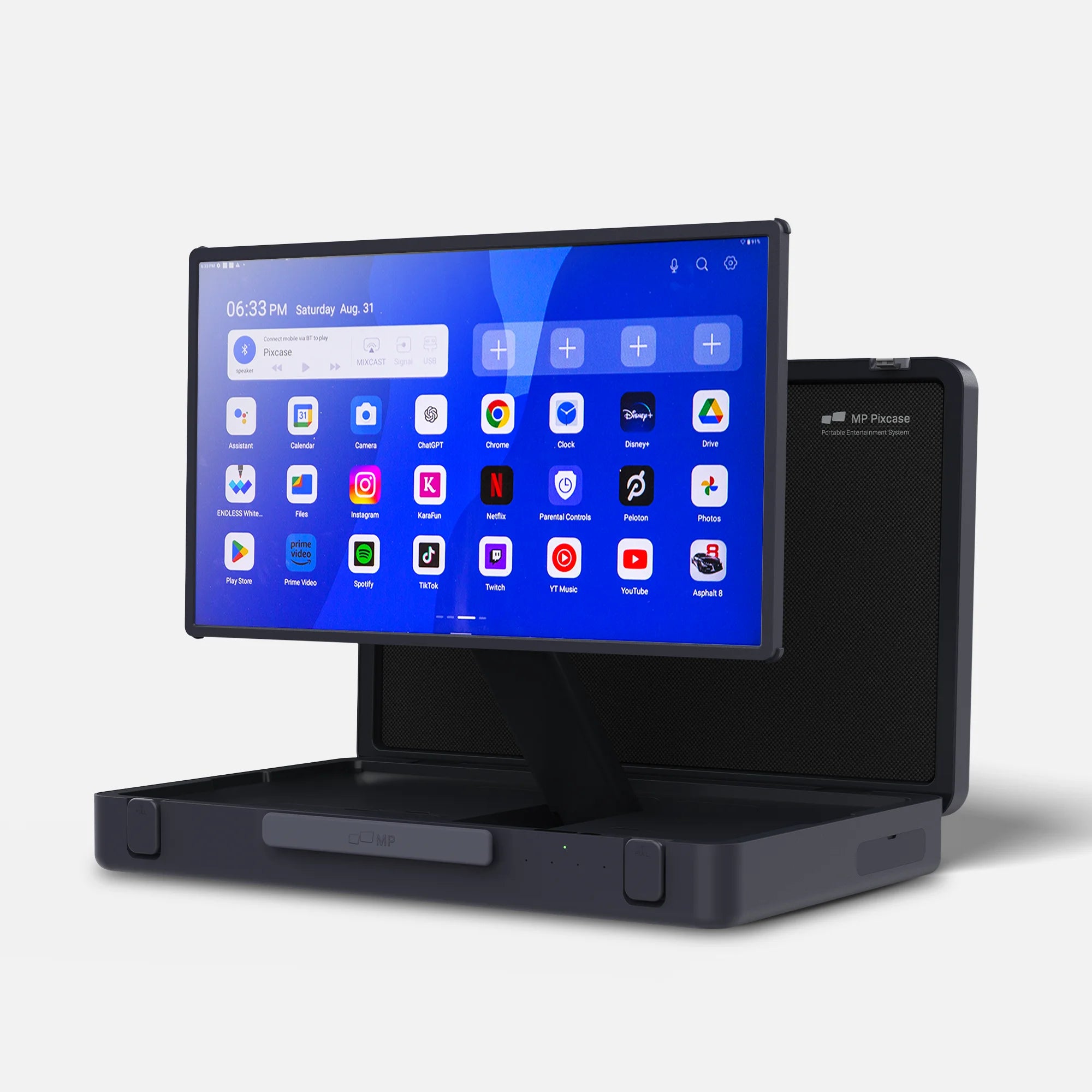
The catalog is broader than the phrase “portable monitor” suggests. Some products attach directly to a laptop, some stand beside it, some create stacked desktop arrangements, and Pixcase combines a large smart touchscreen with a folding suitcase-style chassis. Accessories include stands, hubs, cables, mounts, and power or connection components.
What the Brand Sells
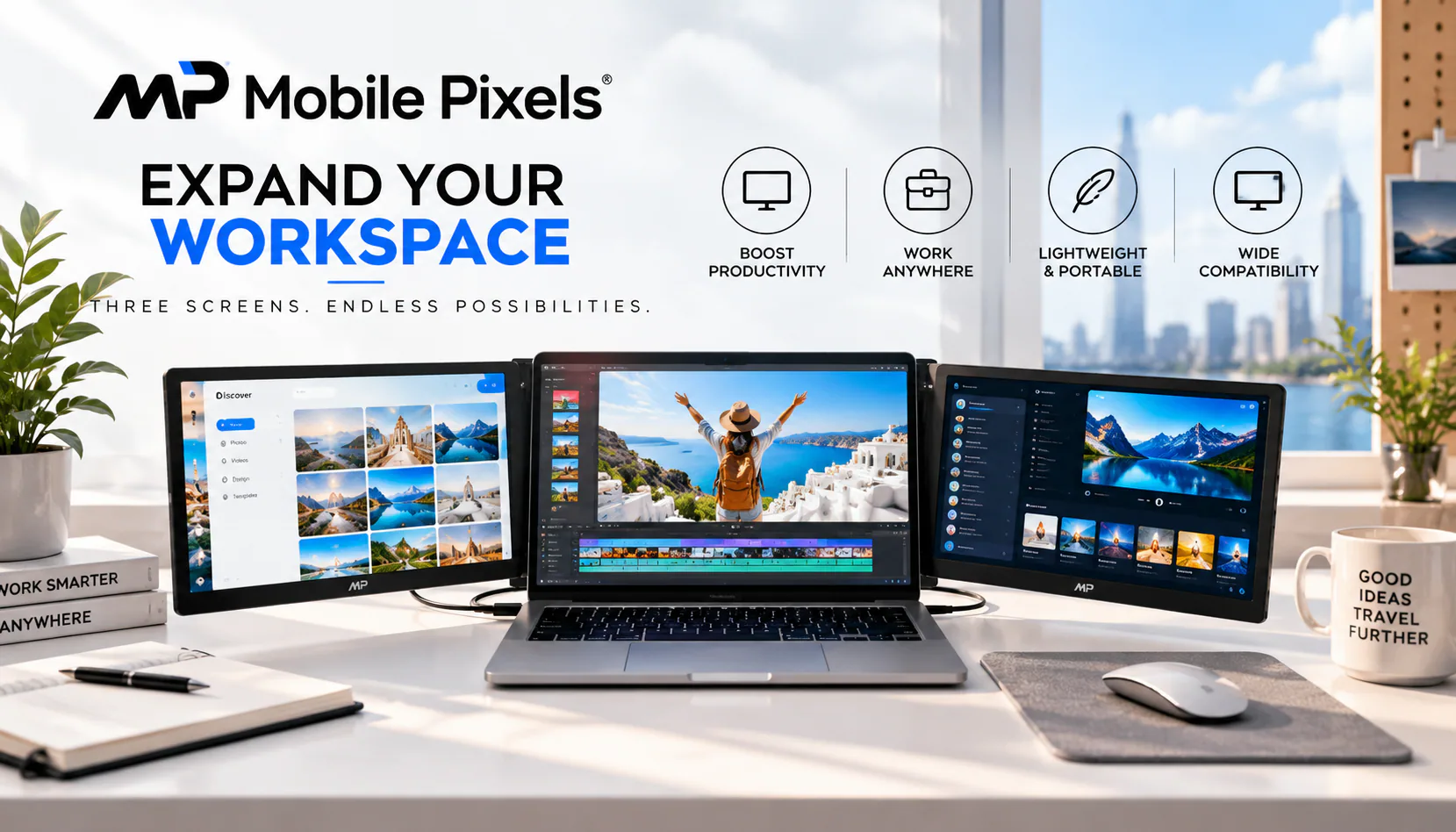
The DUEX and Trio families are designed around laptop-linked additional screens. Standalone products such as Glance and Fold offer a more conventional portable-display format. Geminos targets a vertically stacked desktop workspace, while larger desktop monitors address fixed installations. Pixframe serves a digital-display role, and Pixcase is a self-contained 27-inch entertainment and presentation display.
These families should not be treated as interchangeable. Screen size, weight, mounting method, power, video inputs, driver requirements, orientation, and host-device support vary. Even products with similar names can represent different generations.
What Stands Out About Mobile Pixels?
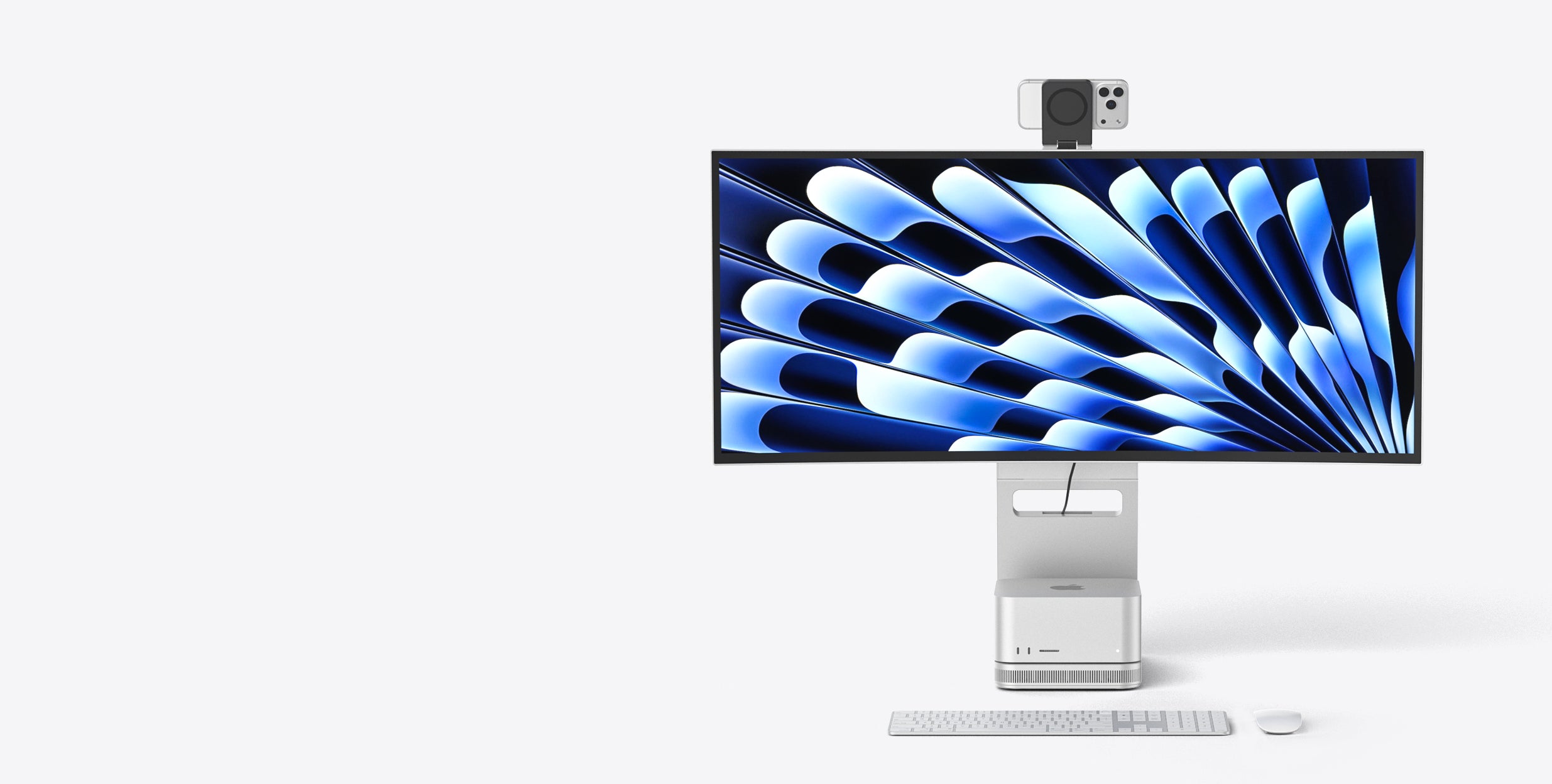
The main strength is choice of physical format. A laptop-attached screen can keep a compact footprint, while a freestanding monitor may be easier to position independently. A stacked desktop monitor uses vertical space differently from side-by-side screens. Pixcase trades lightweight portability for a much larger display, battery, speakers, Android software, and suitcase-style transport.
The official site also maintains support pages for manuals, drivers, FAQs, warranty registration, and comparisons. Those resources matter because display compatibility is not determined by connector shape alone. A USB-C port may or may not carry DisplayPort video, and some setups can require drivers, adapters, or specific operating-system support.
Mobile Pixels publishes specifications on individual product pages, but merchant statements such as “lag-free,” “easy,” or productivity-enhancing should be read as design positioning. Independent testing would be needed to establish latency, color accuracy, brightness consistency, durability, and real-world workflow gains.
How to Choose a Mobile Pixels Product
Start with the intended workspace. A frequent traveler may prioritize weight, folded dimensions, and a single-cable connection. A home-office user may prefer a larger or vertically stacked system. Presenters and entertainment users may care more about screen size, speakers, touch, battery operation, and independent apps.
Then audit the host device. Check operating system, laptop size, USB-C video support, HDMI or DisplayPort availability, power delivery, driver requirements, and the number of displays the computer can drive. Compare the exact manual rather than assuming that a newer model behaves like an earlier one.
Finally, check transport and ergonomics. Attached extenders add weight to a laptop lid. Freestanding displays require desk space and a stable surface. Large systems require more room and may be technically portable without being lightweight.
Pixcase as a Representative Example
Pixcase shows how far Mobile Pixels extends beyond ordinary laptop accessories. The exact product is a 27-inch 1080p, 10-point touchscreen smart display with Android, 8GB of RAM, built-in 40W speakers, HDMI, USB-A and USB-C connectivity, a built-in battery, a gamepad, and a remote. It folds into a suitcase-style form, but it is a complete display system rather than a case for carrying another monitor.
The owner-authorized Deal applies to Pixcase: $1,399.99 regular price, $999.99 sale price, displayed as 29% off. No expiry, Coupon, stacking rule, or additional promotion was supplied. Other promotions visible on the site are excluded.

Shipping, Returns, and Warranty
Mobile Pixels publishes shipping, return, and warranty information through its official policy and support pages. Buyers should check destination, processing, transit, condition requirements, return authorization, possible fees, and exclusions at the time of purchase.
The store presents a limited-warranty program for monitors and offers warranty registration. Coverage length alone does not establish that every fault is covered; the current policy controls eligibility, remedy, exclusions, proof requirements, and claim steps.
Who May Like Mobile Pixels?
The brand may suit remote workers, analysts, creators, presenters, students, and gamers who can clearly define how an additional display fits their workflow. It is especially relevant to buyers who want alternatives to a standard single portable monitor.
People who need guaranteed compatibility without checking ports or drivers, who carry the lightest possible kit, or who require independently certified professional color performance may prefer a simpler or specialist option.
Pros
- A broad display catalog spans laptop-mounted extenders, portable monitors, desktop monitor systems, Pixframe, Pixcase, and accessories.
- Official product pages publish model-specific dimensions, weight, display, port, and compatibility details that support careful comparison.
- Several product families address different workspace formats instead of forcing one monitor design into every use case.
- Official support resources include manuals, drivers, FAQs, warranty registration, returns, and contact channels.
Cons
- Compatibility varies significantly by computer, operating system, port capabilities, display size, and exact product generation.
- Some products prioritize portability while others, including Pixcase and Geminos, are substantial devices that require more carrying or desk space.
- Merchant claims about productivity, smoothness, and portability are positioning rather than independent performance tests.
- The number of product families and similarly named generations makes exact-model verification essential before ordering accessories or drivers.
Ways to Save
The only owner-authorized offer is the Pixcase Deal: $1,399.99 regular price, $999.99 sale price, with merchant-displayed savings of 29%. No Coupon was supplied, and no expiry, minimum spend, stacking condition, shipping promotion, gift, newsletter incentive, or other discount is authorized here.
Final Verdict
Mobile Pixels is worth considering when a conventional single-screen laptop or desktop setup feels restrictive and the buyer is prepared to verify exact compatibility. Its range is unusually broad, from attached laptop extenders to portable displays, stacked desktop monitors, and smart-display formats. That breadth is useful, but it also makes model-specific research essential. Buyers who want universal plug-and-play behavior, minimal cabling, or a very light setup should compare requirements carefully before choosing.
FAQ
What does Mobile Pixels sell?
Mobile Pixels sells laptop monitor extenders, standalone portable monitors, desktop monitor systems, Pixframe digital displays, the Pixcase portable smart display, and related stands, cables, hubs, and accessories.
Are all Mobile Pixels monitors portable?
No. The catalog includes laptop-mounted and standalone portable displays, but it also includes larger desktop systems and the 27-inch, 30.42-pound Pixcase.
What should buyers check for compatibility?
Verify the exact model, computer operating system, available USB-C or video ports, display-output support, laptop dimensions where relevant, driver requirements, and the current product manual.
What is Pixcase?
Pixcase is a 27-inch 1080p touchscreen smart display with Android, a suitcase-style folding form, built-in battery, speakers, ports, gamepad, and remote. It is not an empty carrying case.
What return and warranty information is available?
Mobile Pixels publishes a return policy and a limited-warranty policy. Eligibility, timing, condition, exclusions, and claim steps depend on the current terms and product.
Is there an owner-authorized Mobile Pixels Deal?
Yes. The authorized Pixcase Deal is a regular price of $1,399.99 and a verified sale price of $999.99, displayed as 29% off. No Coupon was supplied.
Does this review include hands-on testing?
No. This Brand Review is based on official Mobile Pixels storefront, product, support, policy, and media evidence.
Explore Mobile Pixels