

MOES Review: Building a Smart-Home Setup by Device Type
Short Verdict
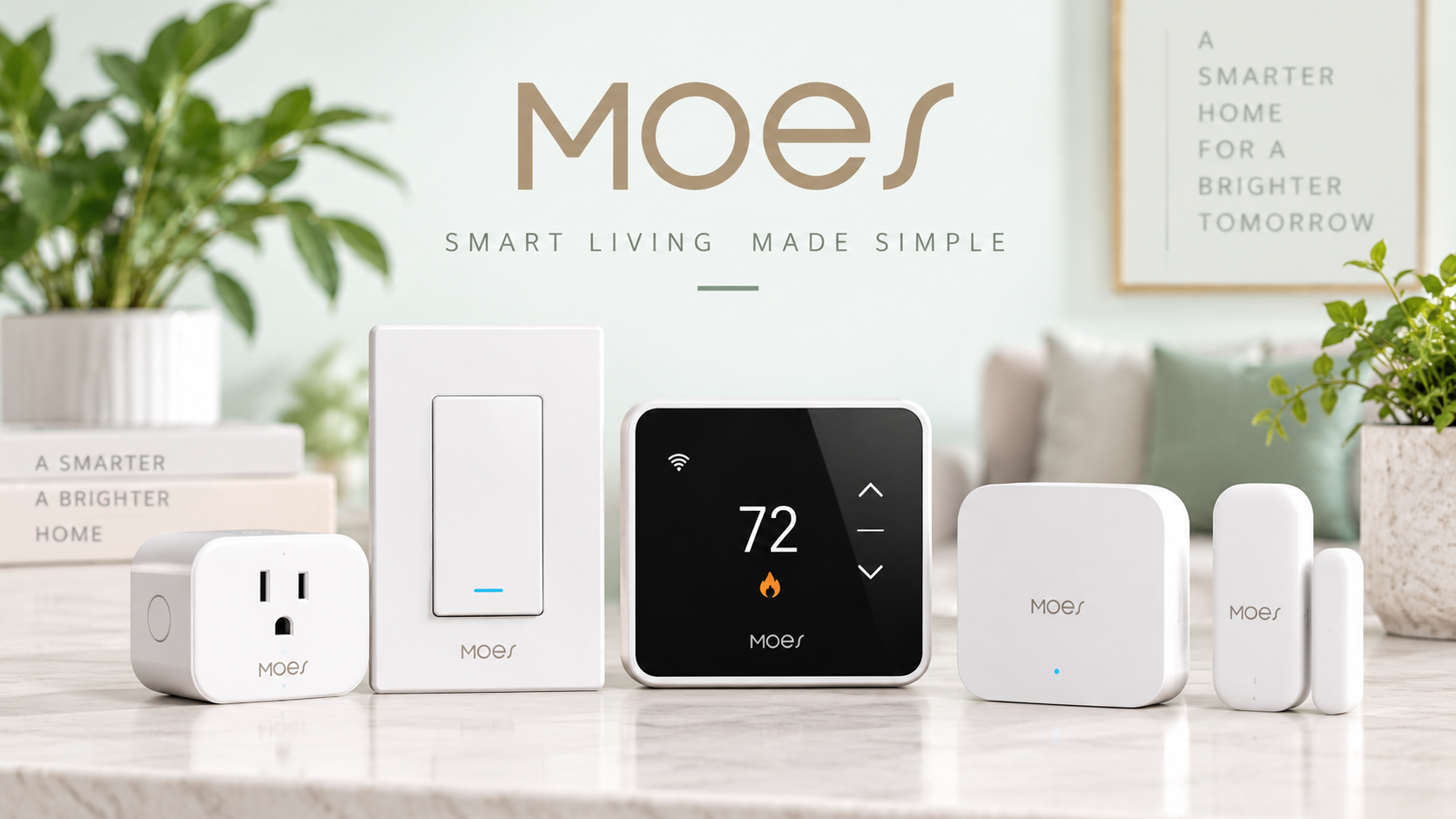
MOES is best approached as a broad smart-home ecosystem rather than a single-device brand. Its catalog covers smart switches, in-wall modules, thermostats, curtain controls, sockets, security devices, lighting and central control products, with devices built around WiFi, Zigbee and Matter depending on the model.
The biggest advantage is flexibility: shoppers can start with one simple smart switch or plug and gradually move toward a more connected setup. The main trade-off is compatibility complexity. MOES sells many product families, regional versions and connectivity standards, so the safest way to shop is to verify the protocol, wiring requirements, ecosystem support and region-specific specifications of the exact device before ordering.
What Is MOES?
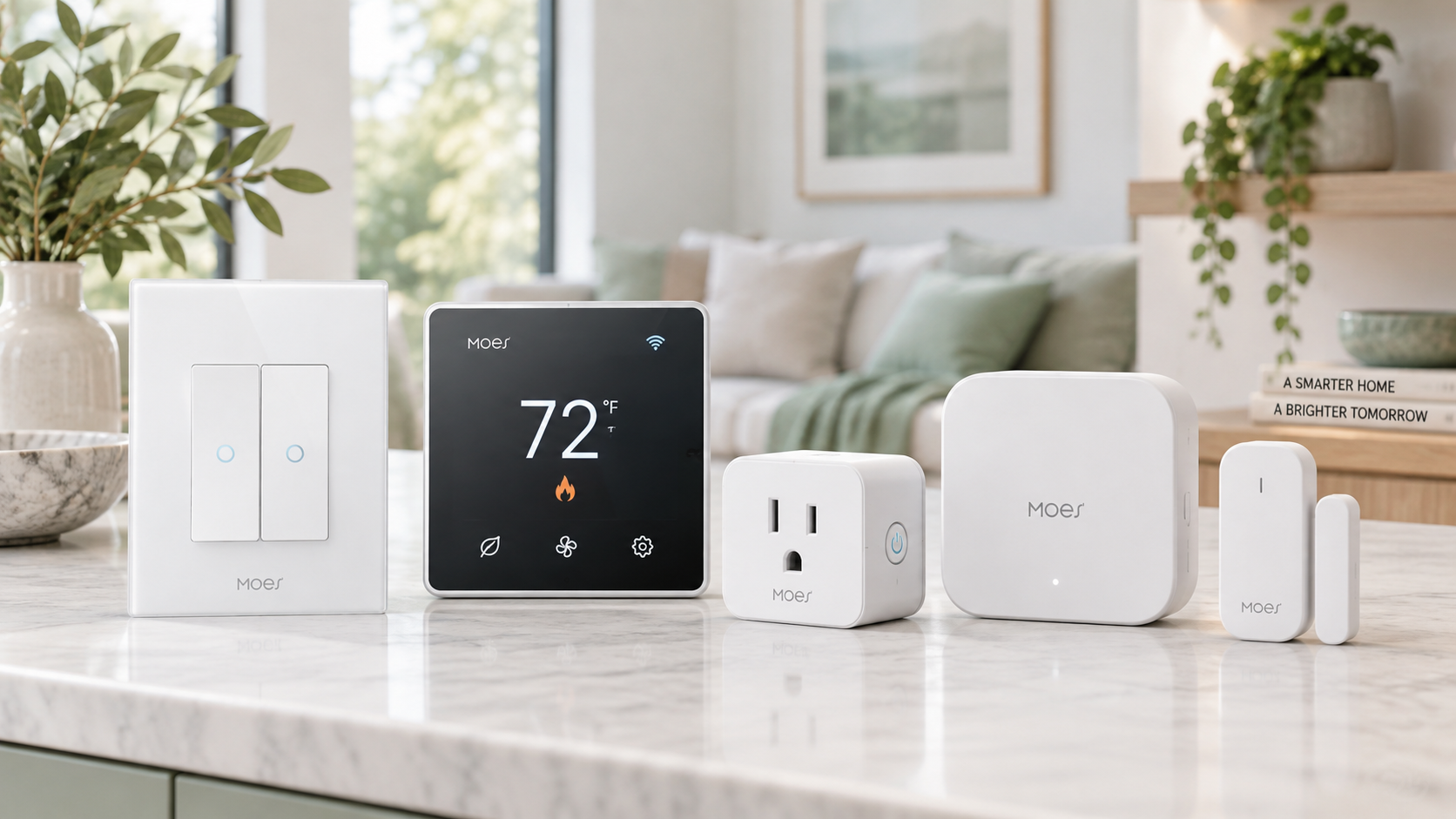
MOES is a smart-home brand focused on connected home-control devices rather than one single category. Its official catalog includes products for lighting control, climate management, curtains, sockets, security and centralized automation.
That broad catalog makes MOES different from brands built around one hero product.
Instead of asking whether “MOES is good” in the abstract, it makes more sense to ask:
- Which smart-home problem are you trying to solve?
- Which protocol do you want to use?
- Which ecosystem do you already have?
- Does the exact device match your wiring and regional standard?
Those questions matter because MOES sells many devices that may look similar but operate differently.
What Does MOES Sell?
Smart Switches
Smart switches are one of the clearest entry points into the MOES catalog.
The current switch lineup includes wall switches, dimmers, scene switches, fan controls, boiler switches and transmitter-style controls. MOES offers different connectivity options across the category, including WiFi, Zigbee and Matter models.
That gives shoppers several ways to build a system.
A simple WiFi switch may suit a smaller setup, while Zigbee can make more sense when a user wants multiple devices working through a hub. Matter models can also appeal to shoppers interested in broader ecosystem interoperability, although exact support still needs to be checked on the individual product page.
Smart DIY Modules
MOES also sells compact behind-the-wall modules designed to add smart control without necessarily replacing the visible switch style.
The company describes these modules as a way to preserve an existing wall-switch appearance while adding connected functionality behind it.
This can be useful in homes where the owner wants automation without changing the overall interior design.
Smart Thermostats and Climate Control
Climate control is another substantial part of the MOES ecosystem.
Current MOES thermostat categories include heating thermostats, thermostatic radiator valves, air-conditioning controllers, temperature controllers and temperature/humidity sensors.
Depending on the exact device, users may be able to adjust temperature through an app, create schedules or integrate control with supported voice assistants and smart-home platforms. The official thermostat pages reference support for Alexa, Google Home and Tuya Smart across relevant models.
The key phrase here is relevant models. Smart-home compatibility should never be assumed across the entire category.
Smart Curtains and Blinds
MOES also addresses motorized window coverings.
Its smart-home overview describes motors, roller blind systems and curtain controls intended to automate existing shades or curtains.
For users planning a larger automation system, this category expands MOES beyond lighting and plugs into routines involving privacy, daylight and room comfort.
Smart Plugs and Sockets
Smart plugs and sockets provide a more approachable way to add connected control without replacing hardwired wall equipment.
MOES describes its smart-plug products as a way to remotely turn connected devices on or off through the app, while some models can also provide energy-use information.
These products can be a practical starting point for users who are not ready to modify switches or electrical wiring.
Security, Sensors and Control Devices
The wider MOES catalog also includes cameras, sensors, alarms, gateways, remotes and other control devices.
Gateways are particularly important in Zigbee-based setups because they connect compatible Zigbee devices into the larger smart-home network. MOES describes its gateway as a bridge between smart-home devices and the broader MOES network.
WiFi vs Zigbee vs Matter: Which MOES Setup Makes Sense?
One of the most important parts of shopping MOES is understanding that protocol choice can matter as much as the product itself.
WiFi
WiFi devices are usually the most straightforward option for a small number of devices.
MOES currently describes its WiFi switches as direct network-connected options that do not require a separate hub.
This makes them attractive for smaller installations, such as adding one or two smart switches or plugs.
Zigbee
Zigbee is more relevant when building a larger mesh of devices.
MOES notes that Zigbee devices require a compatible hub or gateway and positions Zigbee as more appropriate for larger installations.
For someone planning sensors, switches, thermostats and automation routines across several rooms, that can be a more organized approach than adding many independent WiFi devices.
Matter
Matter is the most interesting option for shoppers concerned about cross-platform compatibility.
MOES states that relevant Matter devices can work with ecosystems including Apple Home, Google Home and Alexa, but support depends on the exact product and the required Matter infrastructure.
That is why “Matter” should not be treated as a guarantee that every feature will behave identically across every platform.
What Stands Out About MOES?
Breadth of the Ecosystem
The biggest strength of MOES is the breadth of products available under one brand.
A user can potentially manage:
- Lighting
- Heating and cooling
- Curtains
- Power outlets
- Sensors
- Security
- Wall controls
- Gateways
- Smart panels
That breadth can simplify sourcing when someone wants to build a connected home around several device categories instead of mixing unrelated brands.
Multiple Connectivity Options
MOES does not force every shopper into one protocol.
The availability of WiFi, Zigbee and Matter products means the brand can serve very different smart-home strategies.
That flexibility is valuable, but it also creates the catalog's biggest source of confusion.
Two products may serve the same purpose while requiring different hubs, networks or ecosystems.
Regional Product Versions
MOES maintains separate product sections for US and EU standards.
For example, the official storefront lists dedicated US and EU switch collections, reflecting different wiring, voltage and physical standards.
This is an important advantage for international shoppers, but it also means you should never choose a smart switch based on appearance alone.
How to Choose the Right MOES Device
The most reliable way to shop the catalog is to work through compatibility before aesthetics.
1. Start With the Job
Decide what you want to automate first.
Examples include:
- A wall light
- Heating
- Curtains
- A lamp
- A door or sensor
- Multiple rooms
This narrows the catalog immediately.
2. Choose the Protocol
Decide whether the installation should use WiFi, Zigbee or Matter.
If you already have a smart-home ecosystem, this step is especially important.
3. Verify Ecosystem Compatibility
MOES references compatibility across platforms such as Alexa, Google Assistant, Tuya/Smart Life and, for relevant Matter devices, Apple Home.
However, support should always be checked on the exact listing.
4. Check Electrical Requirements
For wired products, verify:
- Neutral-wire requirements
- Voltage
- Load limits
- Number of gangs
- Switch type
- Regional standard
MOES listings vary significantly on these details. For example, its current switch catalog contains both devices that require a neutral wire and models marketed for installations without one.
5. Check Whether a Hub Is Required
Zigbee products generally need a gateway.
Some WiFi products do not.
Matter devices may need an appropriate Matter controller or border router depending on the implementation.
Do not buy the accessory first and discover afterward that the required control infrastructure is missing.
Installation Considerations
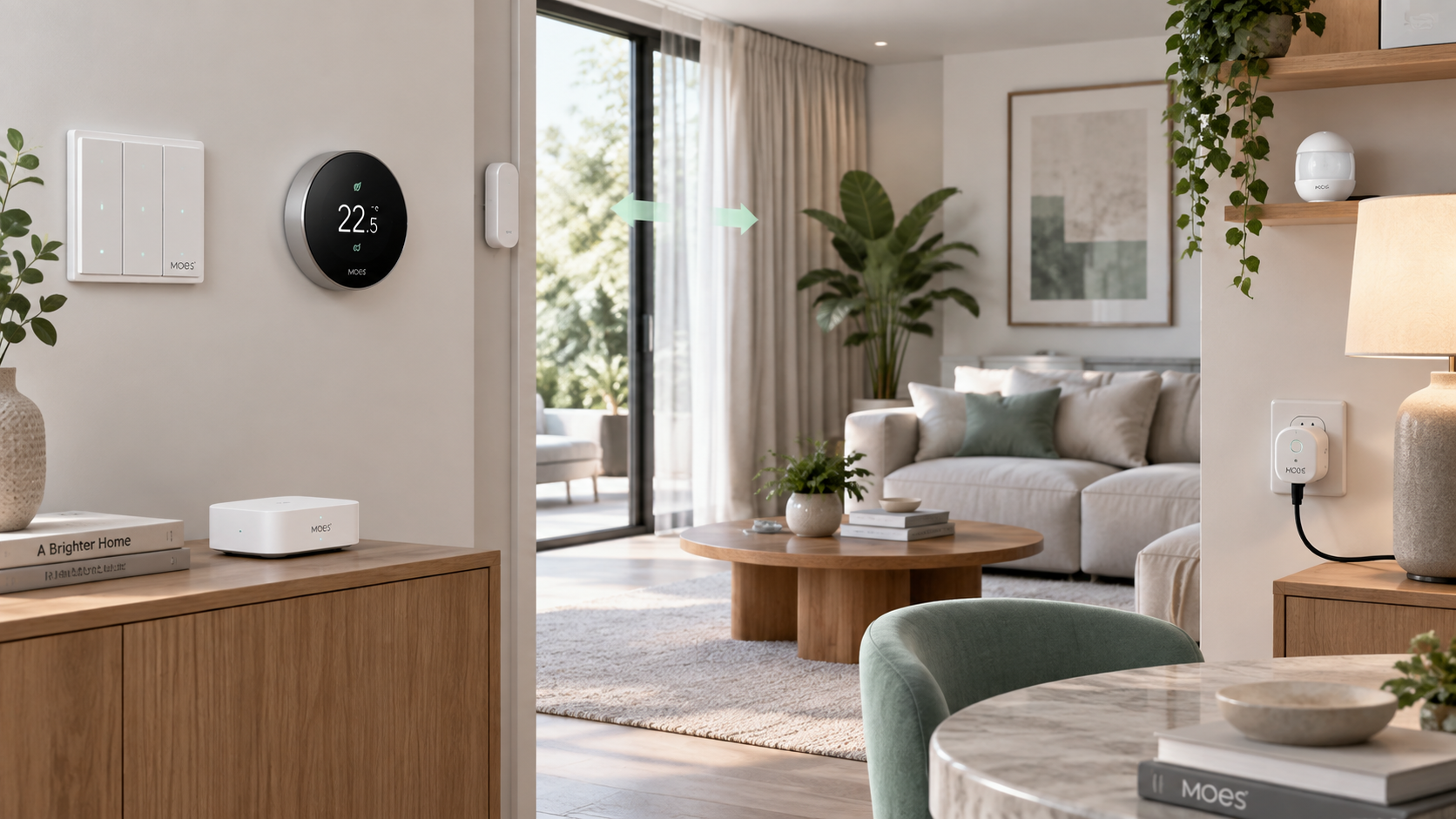
MOES sells both plug-in devices and products that require electrical installation.
That difference should not be underestimated.
A smart plug may be nearly plug-and-play. A wall switch, thermostat or in-wall module may require wiring knowledge and compatibility checks before installation.
MOES itself advises users to switch off power at the breaker before working on wired devices.
For users who are unsure about wiring, local electrical regulations or neutral-wire requirements, professional installation may be the safer approach.
App and Smart-Home Integration
The MOES ecosystem is designed around app-based control and automation.
Its smart-home overview describes control through the MOES app, while several product categories also reference Tuya Smart or Smart Life integration and voice-assistant support.
That means MOES can fit into several smart-home workflows rather than operating as a completely closed system.
Still, buyers should distinguish between:
- Device compatibility
- App compatibility
- Voice control
- Local control
- Automation support
A device supporting one of those features does not automatically guarantee every other feature.
Returns and Refunds
MOES currently states that qualifying items can be returned within 60 days of delivery, provided they are unused, undamaged, resellable and in the original packaging.
The company also states that free returns are generally limited to product-quality issues or situations where the wrong product was sent, with restrictions potentially applying.
For smart-home devices, this makes compatibility checking particularly important before installation.
Once a device has been installed, modified or visibly used, returning it may be more complicated than returning an unopened product.
Who Is MOES Best For?
MOES makes the most sense for shoppers who want to build a smart home gradually.
It is particularly suitable for someone who wants to start with simple devices and then expand into:
- Switches
- Climate control
- Sensors
- Curtains
- Smart plugs
- Centralized automation
The broad product range also suits users who want several smart-home categories under one ecosystem rather than purchasing every component from a different brand.
Who May Want to Look Elsewhere?
MOES may be less attractive if you want a completely simplified ecosystem where every device uses the same protocol and configuration process.
The catalog is extensive, and that means shoppers need to pay attention to exact product variants.
It may also be less suitable for buyers who do not want to think about:
- Hubs
- Wiring standards
- Protocols
- Neutral wires
- Regional versions
- Compatibility
In those cases, a smaller ecosystem with fewer device choices may feel easier to manage.
Pros & Cons
Pros
- Broad smart-home product ecosystem
- WiFi, Zigbee and Matter options
- Smart switches and modules
- Thermostats and climate controls
- Curtain and blind automation
- Smart plugs, sensors and security products
- US and EU device variants
- Multiple ecosystem integrations
Cons
- Large catalog can be confusing
- Compatibility varies by model
- Some devices require a hub
- Wiring requirements differ
- Regional versions require careful checking
- Installation complexity varies significantly
Final Verdict
MOES is most compelling as a smart-home building platform rather than a single-product purchase.
Its catalog covers enough categories to support both small upgrades and more ambitious home-automation projects. A user can begin with a WiFi switch or smart plug, then move toward Zigbee sensors, thermostats, curtain automation, gateways and centralized control as the system grows.
The strength of that flexibility is also the main reason buyers need to shop carefully.
The most effective way to choose MOES products is:
device type → protocol → ecosystem → regional standard → wiring requirements → exact model
Following that sequence makes the large catalog easier to navigate and reduces the risk of buying a device that looks right but does not fit the intended smart-home setup.
Explore the official Store catalog and verify exact item details.