
MOVESPEED ST10 Portable SSD Review: Secure Touchscreen Storage for Fast, Portable Workflows
Short Verdict:The MOVESPEED ST10 is a premium portable SSD built around a feature most external drives still do not offer: an integrated touchscreen for direct locking, monitoring, and device control without relying on separate software. With capacities of 1TB or 2TB, transfer speeds up to 1050MB/s, real-time temperature and speed monitoring, zinc-alloy construction, and a 5-year official warranty, it is aimed at users who care about both portability and physical control over their data. Its main drawback is price: the ST10 costs significantly more than a basic portable SSD, so the touchscreen and security features need to matter to you.
What Makes the MOVESPEED ST10 Different?
Most portable SSDs are deliberately simple.
You plug them in, move files, and unplug them.
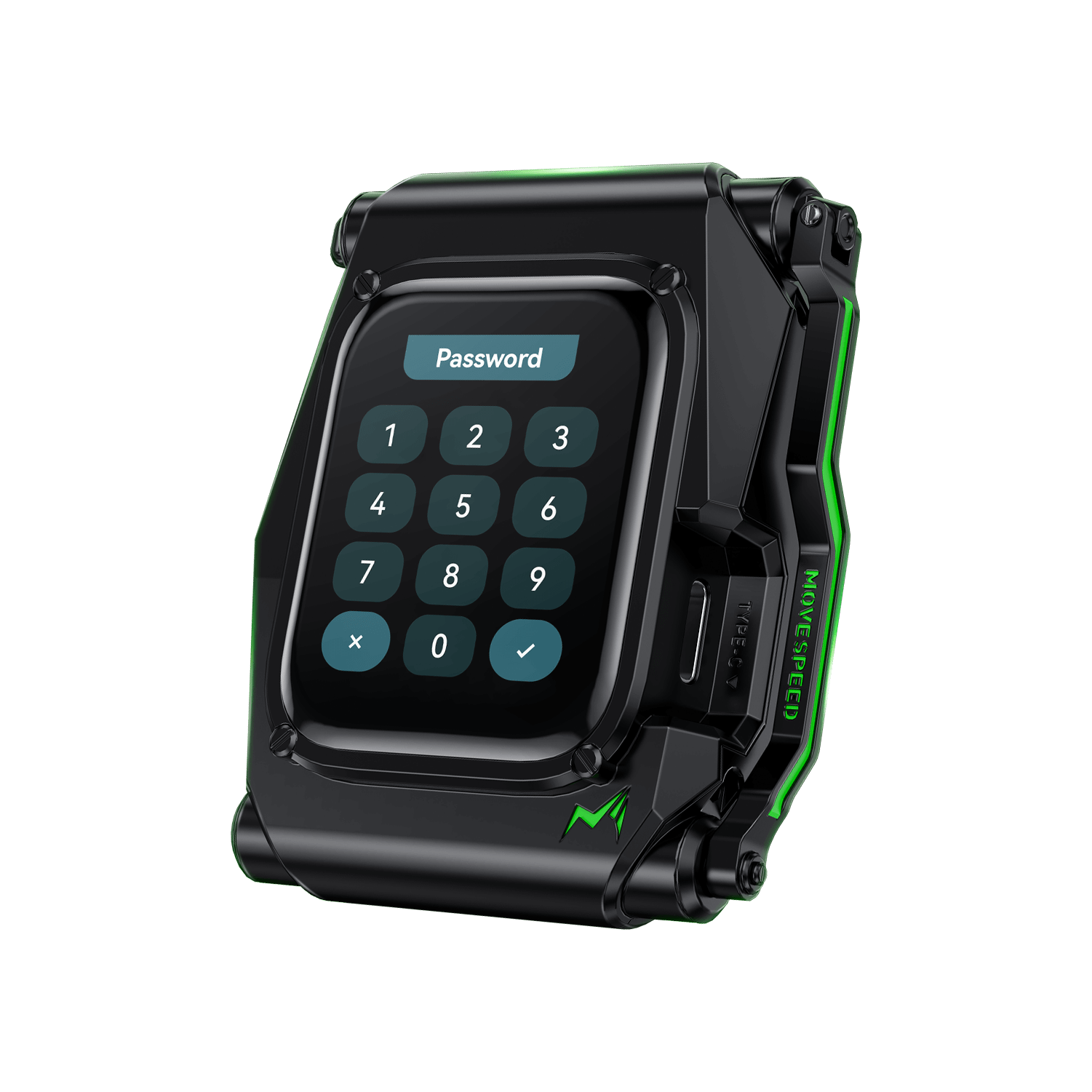
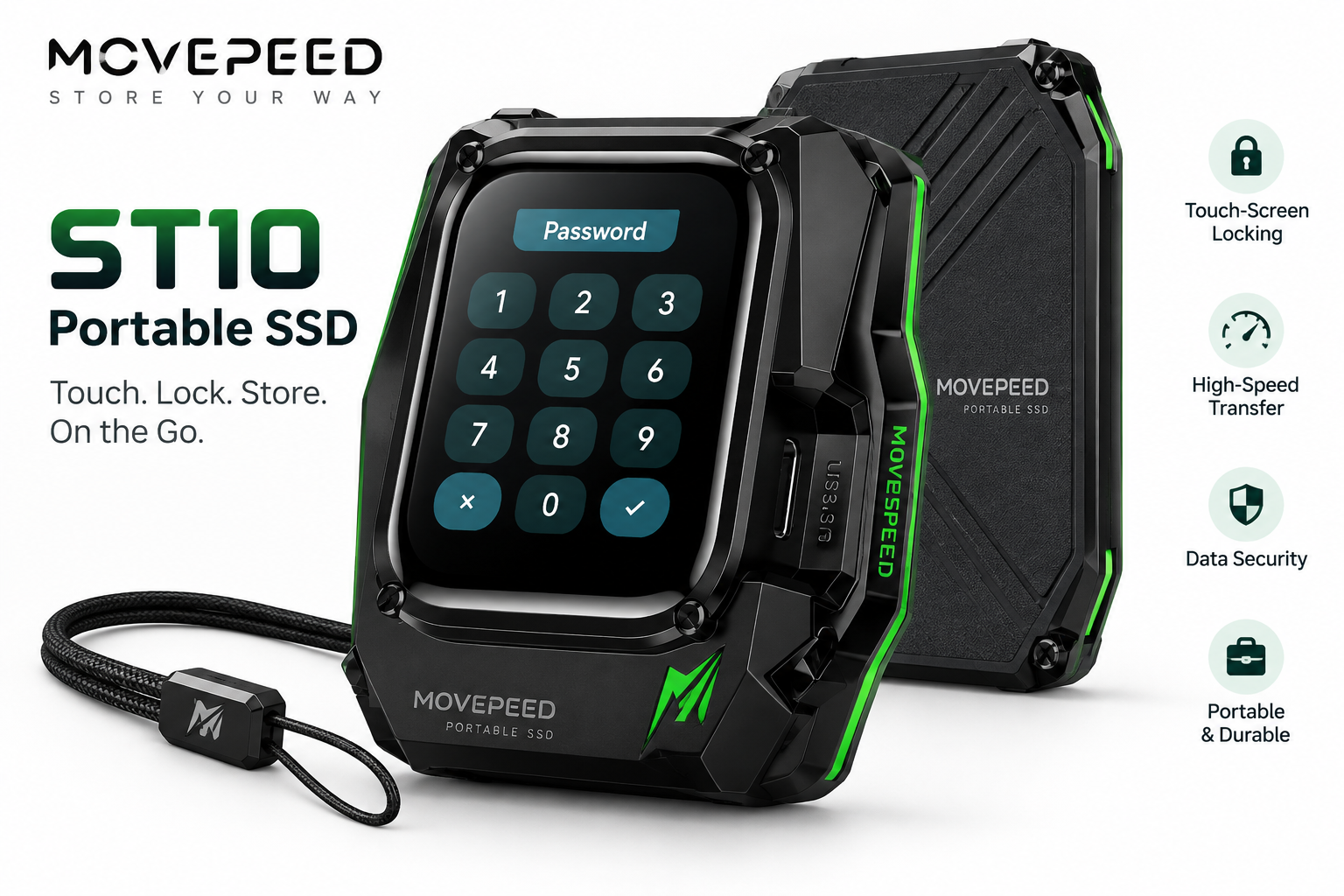
The MOVESPEED ST10 takes a different approach by adding a built-in touchscreen that turns the drive into something closer to a self-contained storage device rather than a passive external disk.
MOVESPEED specifically promotes the ST10 around three ideas:
- speed
- security
- real-time device visibility
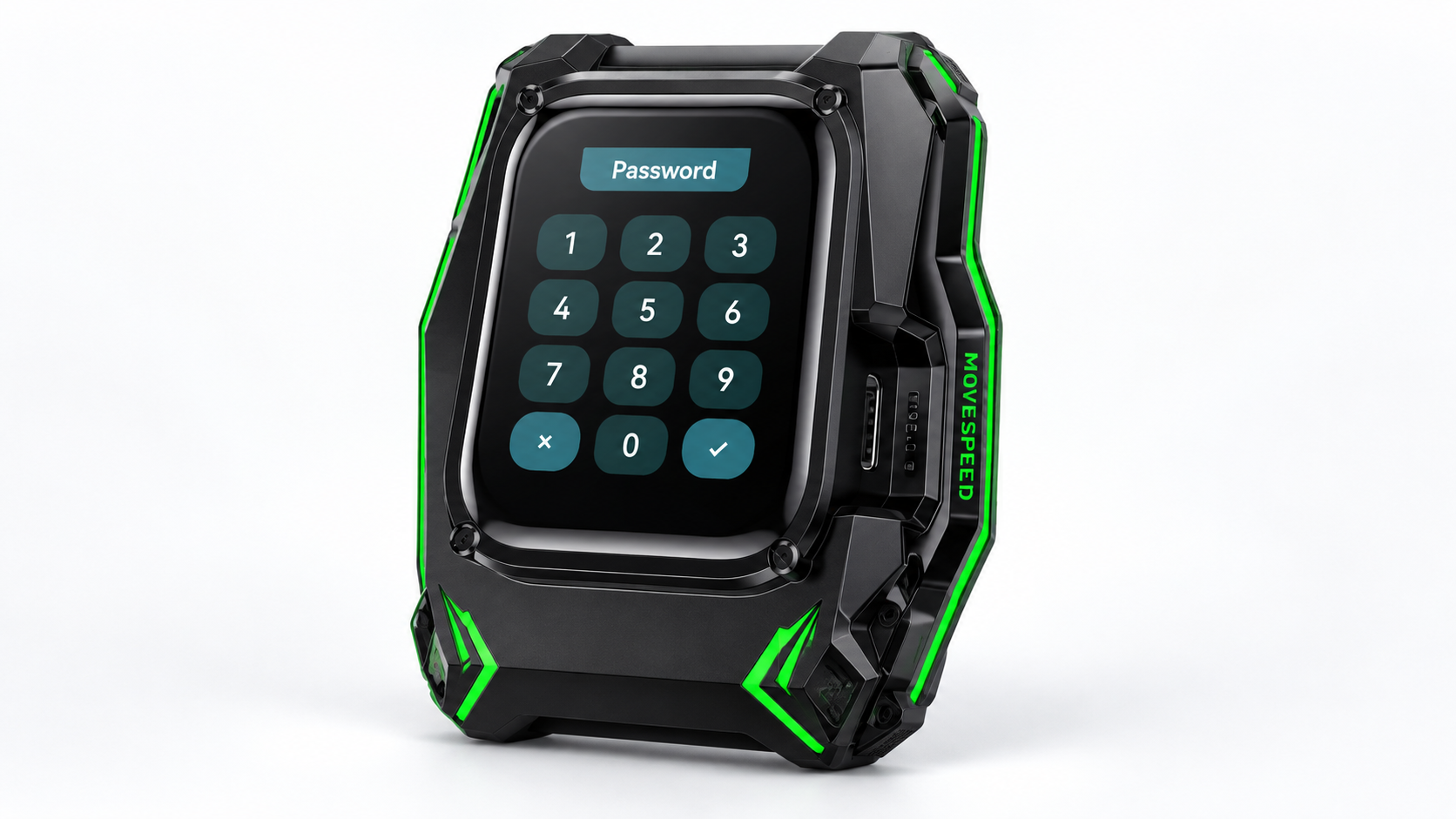
The touchscreen can be used for direct locking, while the display can show information such as transfer speed, temperature, available space, and other device-status data. That means you can check what the drive is doing without opening a separate monitoring tool on your computer.
For some users, that is unnecessary.
For others—especially people carrying sensitive work between machines—it is the entire reason to consider the ST10.
Touchscreen Locking Is the Main Feature
The most distinctive feature of the ST10 is its touchscreen-based security system.
According to MOVESPEED, the device supports password encryption and can be locked directly from the screen. The company positions this as a way to protect files even when the SSD is being used across different systems or in environments where installing extra software is inconvenient.
That creates an interesting advantage over conventional portable SSDs.
With a standard external drive, security often depends on software running on the host computer.
With the ST10, the control interface travels with the storage device.
That can be useful for:
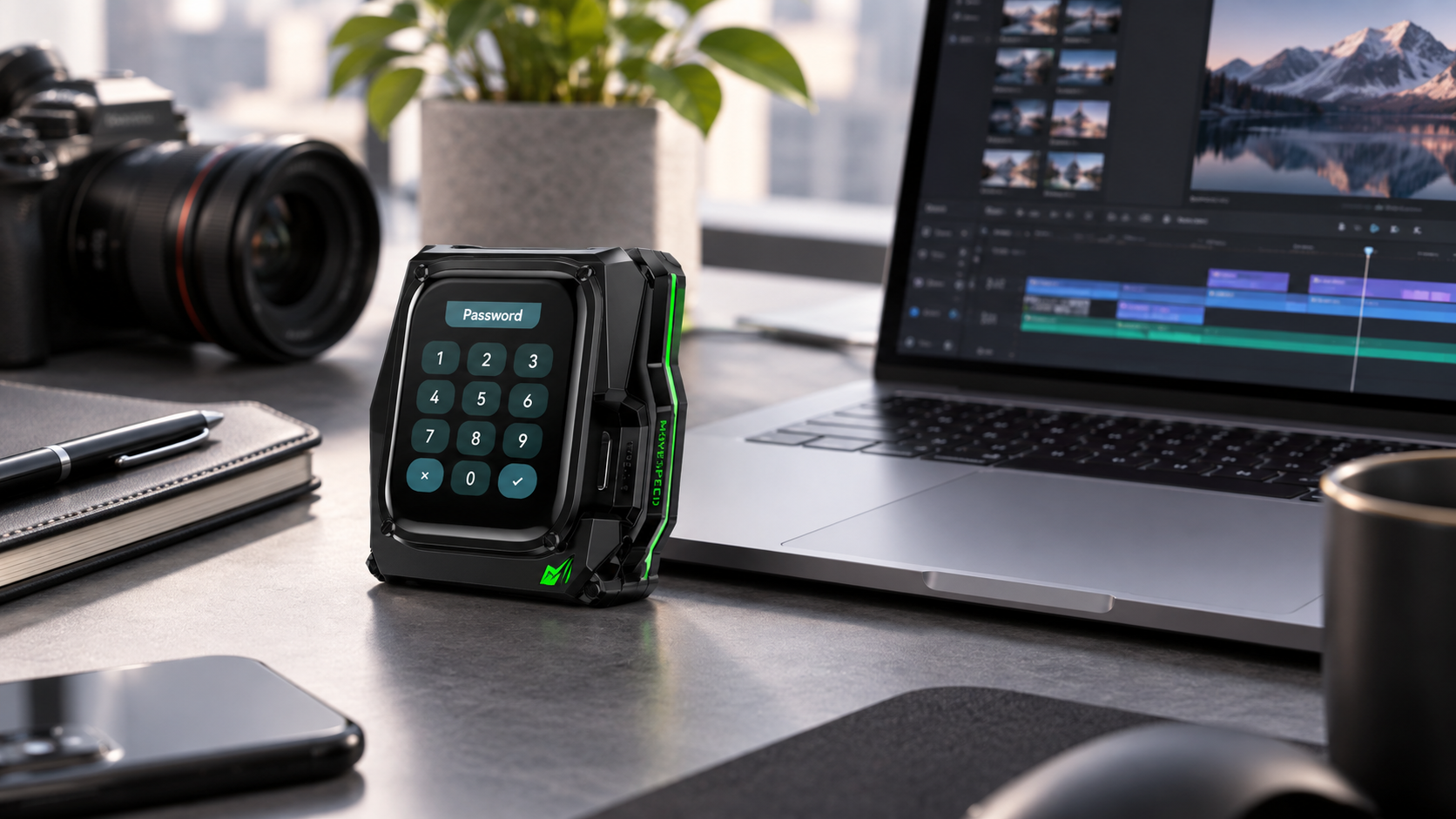
- photographers moving client files
- video editors carrying project footage
- business users handling confidential documents
- students or researchers using shared computers
- travelers who regularly move between devices
The practical value is not simply “a screen on an SSD.”
It is having drive-level interaction available directly on the hardware.
Real-Time Status Monitoring
Another useful part of the touchscreen is that it is not limited to password entry.
MOVESPEED says the display can provide direct information about:
- transfer speed
- temperature
- remaining or used space
- device operating status
without requiring an additional monitoring application.
This is more useful than it may initially sound.
Portable SSDs can become warm during sustained transfers, especially when moving large video files or backups. Being able to glance at the drive and check operating temperature is convenient for users who regularly push external storage hard.
Similarly, real-time speed information can quickly reveal whether a transfer is operating as expected or being limited by the host device, cable, port, or workload.
It does not transform storage performance, but it makes the device more transparent.
Up to 1050MB/s Transfer Speed
The ST10 is rated for transfer speeds of up to 1050MB/s.
That places it in the mainstream high-speed USB portable SSD class rather than the much faster USB 3.2 Gen 2x2 or Thunderbolt category.
For typical portable workloads, 1050MB/s is still plenty fast for:
- large photo libraries
- 4K video assets
- project backups
- game libraries
- document archives
- large compressed files
- moving work between laptops and desktops
It is important to remember that “up to 1050MB/s” is a maximum claim.
Actual performance will depend on:
- the USB port used
- host-device support
- cable quality
- file size
- sustained workload
- thermal conditions
- available cache
MOVESPEED itself sells faster portable SSDs in other parts of its lineup, including models advertised around 2000MB/s or more, so the ST10 is clearly prioritizing security and smart-device functionality rather than absolute top-end speed.
1TB and 2TB Capacity Options
The ST10 is currently offered in 1TB and 2TB capacities.
That range makes sense for its target audience.
A 1TB model is enough for:
- general backups
- work documents
- large photo collections
- moderate video projects
The 2TB version is more suitable for:
- larger creative libraries
- frequent video work
- game storage
- heavier professional use
What you do not get is a very low-capacity budget option.
That reinforces the idea that MOVESPEED is positioning the ST10 as a premium smart-storage product rather than an inexpensive external drive.
Zinc Alloy Build and Cooling
MOVESPEED says the ST10 uses a zinc-alloy body and incorporates an advanced cooling design intended to improve heat management during sustained operation.
The rugged styling also supports that positioning.
Compared with plain plastic portable drives, the ST10 has a much more industrial appearance:
- reinforced-looking corners
- exposed fastener styling
- textured surfaces
- colored accent lines
- integrated touchscreen
- lanyard-friendly portable design
It looks more like technical equipment than an office accessory.
Whether you like that aesthetic will be personal, but it matches the product’s security-focused identity well.
No Password Required on First Boot
MOVESPEED notes that the ST10 does not require a password on the first boot, and provides a setup manual for configuring the device.
That is a sensible approach because it lets the user initialize the drive before deciding how to configure its security features.
For buyers, the important takeaway is that the touchscreen security is not just decorative—it is part of a setup process that you actively configure.
If you buy the ST10 specifically for secure storage, it is worth completing that setup before placing sensitive data on the drive.
Who Is the ST10 Best For?
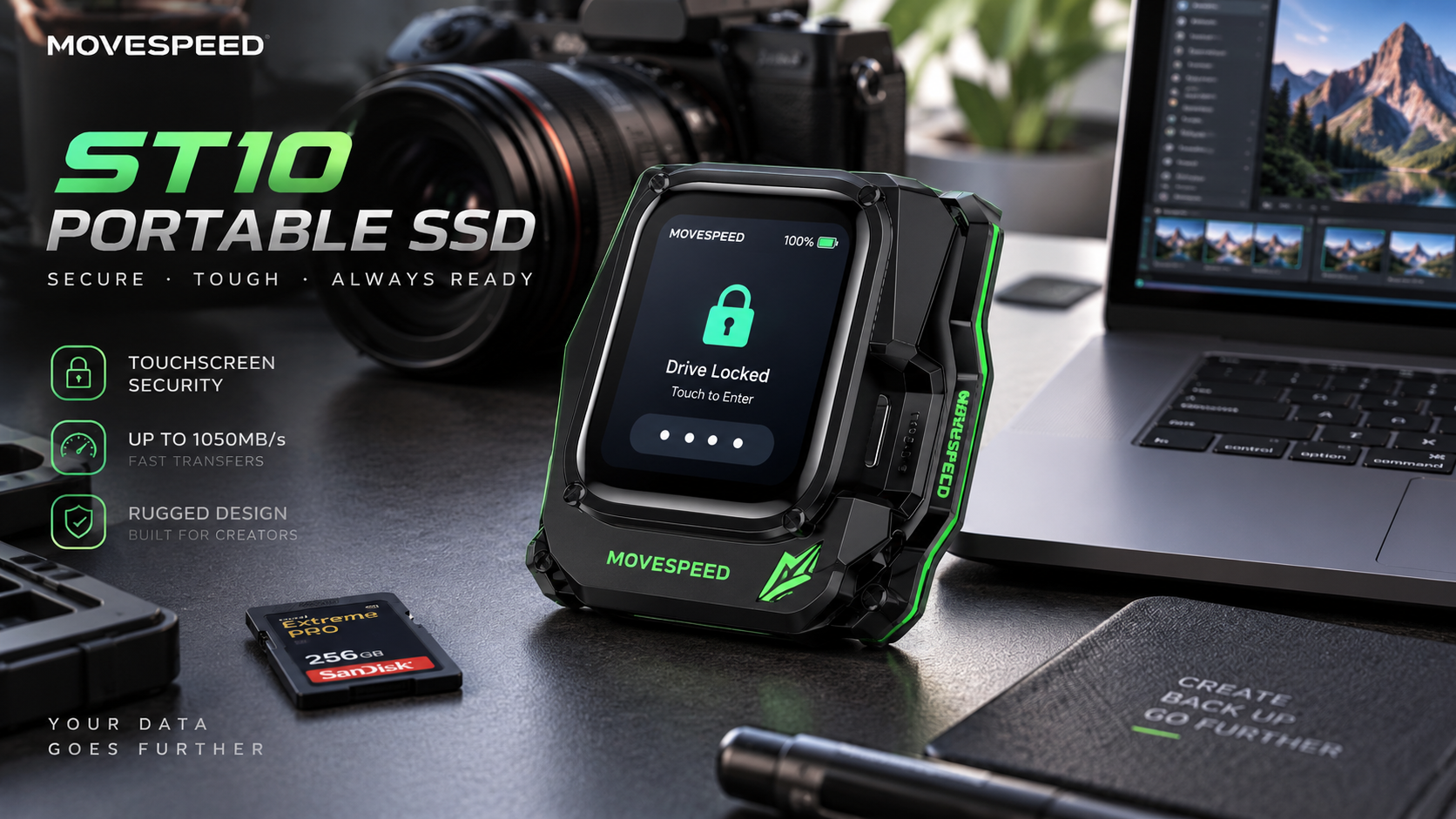
The ST10 makes the most sense for buyers who value hardware-level convenience and visibility more than rock-bottom cost.
Creative professionals
Photographers and video editors frequently move large project files between systems.
The combination of portable storage, direct locking, and real-time status monitoring can be genuinely useful in that workflow.
Business users
If you regularly carry confidential client or company files, a drive with an integrated locking interface may feel more appropriate than a completely open external disk.
Frequent travelers
People who work across multiple computers may appreciate not having to rely on one specific software environment to interact with the drive.
Tech enthusiasts
The ST10 also has obvious appeal to users who simply like hardware that does more than the standard version of a product.
Who Should Probably Skip It?
The ST10 is not the best choice for everyone.
If all you want is:
- basic external backup storage
- the cheapest price per terabyte
- maximum transfer speed
- a minimalist drive
- occasional file movement
then a conventional portable SSD will usually offer better value.
The touchscreen adds convenience and security, but it also contributes to the premium pricing.
That means the core question is not:
“Is the ST10 fast enough?”
It is:
“Do I actually need a smart touchscreen on my portable SSD?”
If the answer is no, there are cheaper alternatives.
Price and Value
At the time of review, the official MOVESPEED store lists the ST10 from approximately $309.99, with a regular price shown around $442.99, though pricing can vary by region and promotion.
That is expensive compared with a standard 1TB or 2TB portable SSD.
The premium is clearly being charged for features such as:
- integrated touchscreen
- direct locking
- device monitoring
- premium housing
- security-focused positioning
So the value proposition depends heavily on whether you will actually use those features.
For a buyer who only needs fast external storage, the ST10 is difficult to justify purely on performance.
For someone who specifically wants portable storage with its own interface and locking controls, it becomes much more distinctive.
Warranty and Support
MOVESPEED currently advertises:
- 5-year official warranty for storage devices
- 30-day money-back guarantee
- lifetime customer support
- worldwide shipping on the ST10 product page
The company also provides live chat and email support.
A five-year warranty is a meaningful positive for a premium storage product because SSD reliability matters much more than cosmetic features.
As always, important data should still be backed up elsewhere.
No warranty can replace a proper backup strategy.
Pros and Cons
Pros
- Built-in touchscreen
- Direct password-based locking
- Real-time speed and temperature monitoring
- Up to 1050MB/s transfer speed
- Available in 1TB and 2TB capacities
- Zinc-alloy construction
- Advanced cooling design
- No separate monitoring software required for basic status viewing
- 5-year official warranty
Cons
- Expensive compared with conventional portable SSDs
- 1050MB/s is not class-leading anymore
- Touchscreen is unnecessary for basic storage users
- Extra hardware complexity compared with a simple SSD
- No lower-cost small-capacity version
- Still requires a separate backup for important data
Final Verdict
The MOVESPEED ST10 Portable SSD stands out because it is trying to solve a different problem from a normal external drive.
It is not simply about storing files quickly.
Its real selling point is:
portable SSD performance + direct touchscreen control + onboard locking + real-time monitoring.
That combination makes the ST10 especially interesting for professionals and frequent travelers who want more control over a portable storage device without depending entirely on host-side software.
The 1050MB/s performance is fast enough for most everyday professional workflows, while 1TB and 2TB capacity options give it practical flexibility.
Its weakness is price.
If you do not care about the touchscreen, encryption controls, or live device information, you can buy much simpler storage for significantly less.
But if those features solve a real need in your workflow, the ST10 is one of the more unusual and feature-rich portable SSD designs available.
Check the current price